Wired RGB Switch Controller: Stable USB Play
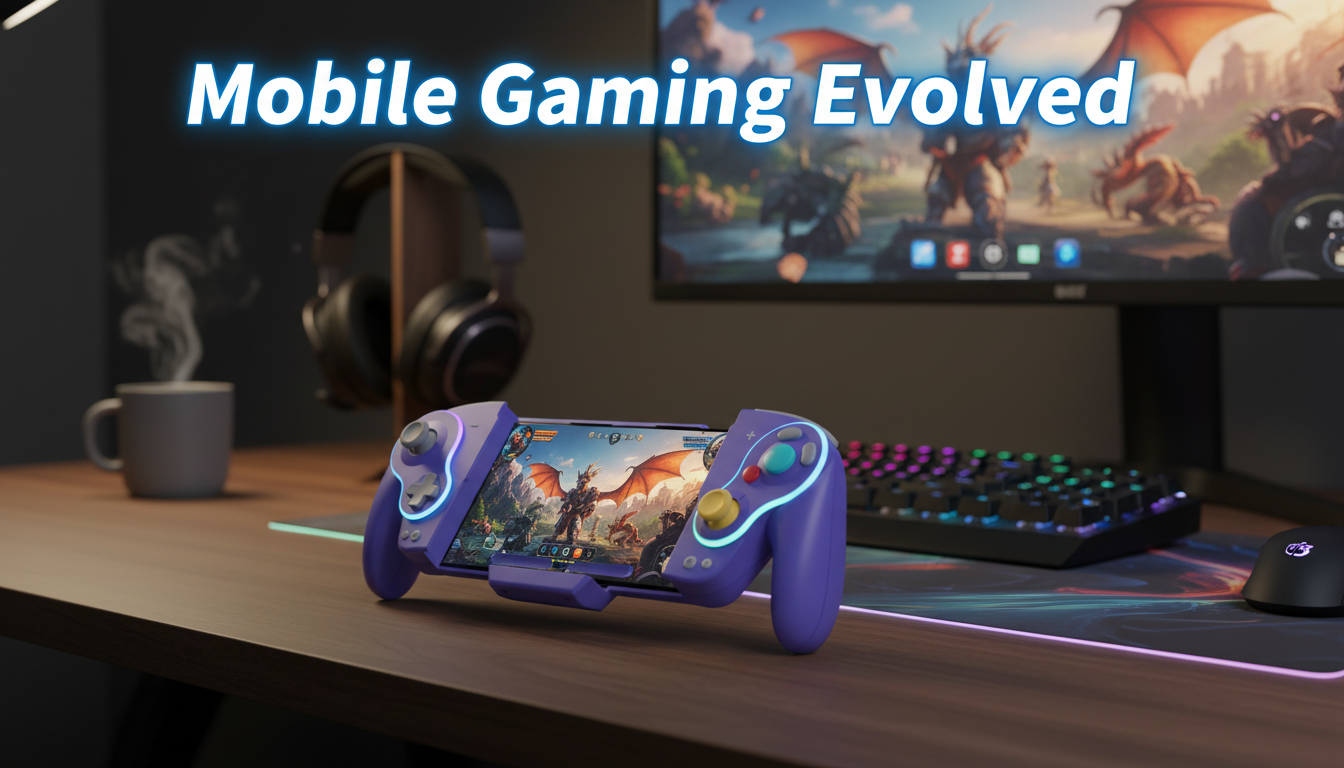
Wired RGB Gamepad for Nintendo Switch & OLED
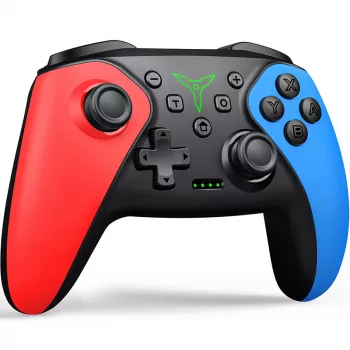
A wired controller can be the simplest way to get consistent input, unlimited play time, and a solid grip for docked sessions. The Wired RGB Gamepad for Nintendo Switch & OLED is built for Nintendo Switch and Switch OLED, pairing plug-and-play convenience with customizable lighting for a setup that looks as good as it feels in hand.
At a glance
- Designed for Nintendo Switch and Nintendo Switch OLED for wired play
- RGB lighting adds a customizable look for desks, TVs, and streaming setups
- Wired connection helps keep input consistent and eliminates battery concerns
- Comfort-focused layout for longer sessions with full-size grips
Compatibility and where it fits best
This controller is at its best when your Switch is docked. A wired connection gives you a stable link to the console while you play on a TV across the room or at a desk beside a monitor. That makes it a practical choice for action games, platformers, fighting games, and local multiplayer titles where consistent inputs matter and you don’t want to stop mid-match for charging.
- Best suited for docked play: stable connection while the console is in the dock and the player is on the couch or at a desk
- Works as a straightforward alternative controller for games that support standard gamepad inputs
- Ideal for households that prefer a dedicated controller for each player without keeping multiple devices charged
- Helpful as a “guest controller” for party games and local co-op sessions
For official guidance on controller behavior and supported setups, Nintendo’s controller support resources are a useful reference: Nintendo Support — Controllers (Nintendo Switch).
Design and RGB lighting
RGB lighting is mostly about mood and visibility. In a dim room, it can help a controller stand out on a coffee table or entertainment stand, especially when you’ve got multiple controllers, remotes, and accessories competing for attention. If your gaming space already includes LED strips, an RGB keyboard, or PC case lighting, a glowing controller helps the whole setup feel cohesive.
- RGB lighting can add visibility and style in low-light rooms without affecting gameplay fundamentals
- Lighting is especially useful when multiple controllers are on a table—easier to spot and grab quickly
- A wired RGB controller can match common gaming setups that already include RGB keyboards, mice, or LED strips
- For shared spaces, lighting can be turned down or set to calmer modes depending on preferences
For streaming or camera-based setups, calmer lighting modes can reduce glare and keep your hands and controller exposure more consistent on video.
Controls, feel, and long-session comfort
Comfort is a bigger deal than it sounds—especially when you’re two hours into an RPG quest chain or replaying the same platforming section again and again. A full-size controller shape supports a more relaxed grip than smaller controllers, and the familiar modern layout helps reduce the “learning curve” when swapping from other systems.
- Full-size controller shape supports a relaxed grip compared with compact controllers
- Button placement and stick reach should feel familiar for players used to modern console layouts
- Comfort tends to matter most in longer genres (action-adventure, RPGs, platformers) where sustained control is constant
- A wired setup reduces mid-session interruptions—no battery warnings or charging breaks
In busy households, a wired controller also has a simple advantage: it’s predictable. You plug it in, it works, and it’s ready for the next player without wondering who left it uncharged.
Setup and daily use
Daily use is straightforward: connect via USB and start playing on supported setups. The small “gotchas” are mostly about cable management and controller assignment when multiple people are playing.
- Connect the controller via USB to begin playing (typical plug-and-play behavior for wired controllers on supported setups)
- For living-room play, plan cable routing: controller-to-dock distance, path around furniture, and trip-safety
- For desk play, a wired controller can stay connected and ready—no pairing steps each time
- If multiple players share the console, assign controllers before starting a game to avoid mid-match confusion
It’s also worth keeping your console updated for the smoothest accessory detection and compatibility. Nintendo’s update steps are here: Nintendo Support — How to Update Nintendo Switch.
Key specs and what’s included
| Detail | What to expect |
|---|---|
| Compatible systems | Nintendo Switch, Nintendo Switch OLED |
| Connection type | Wired (USB) |
| Lighting | RGB effects (mode/behavior varies by controller) |
| Best play style | Docked TV play, desktop play |
| Power | Powered through the USB connection (no charging needed) |
| Product page | https://magdella.com/wired-rgb-gamepad-for-nintendo-switch-oled/ |
Performance considerations: responsiveness and reliability
Care, troubleshooting, and practical tips
Who it’s for (and when another option may be better)
More in-stock picks from the shop
- Wired RGB Gamepad for Nintendo Switch & OLED
- Cactus Cat Tree Tower with Scratching Post & Condo Nest
- Alviero Martini Prima Classe Women’s Beige Bag with Zip
FAQ
Does a wired controller work with Nintendo Switch OLED?
Yes, as long as the controller is compatible with Nintendo Switch and Switch OLED for wired play. For the most consistent setup, connect it through the dock’s USB ports for TV play; handheld use depends on having the correct USB connection method for your setup.
Will RGB lighting affect gameplay performance?
RGB lighting is primarily cosmetic and generally won’t change game performance. If it becomes distracting, switch to a calmer lighting mode or reduce brightness if those options are available.
What should be checked if the controller disconnects or isn’t detected?
Unplug and reconnect firmly, try a different USB port on the dock, and avoid cable bends or pinches that stress the connection. Restarting the console can also refresh controller detection, and keeping system software updated can help prevent compatibility hiccups.








Leave a comment