Limit Screen Time for Free: Simple Rules & Built-In Tools
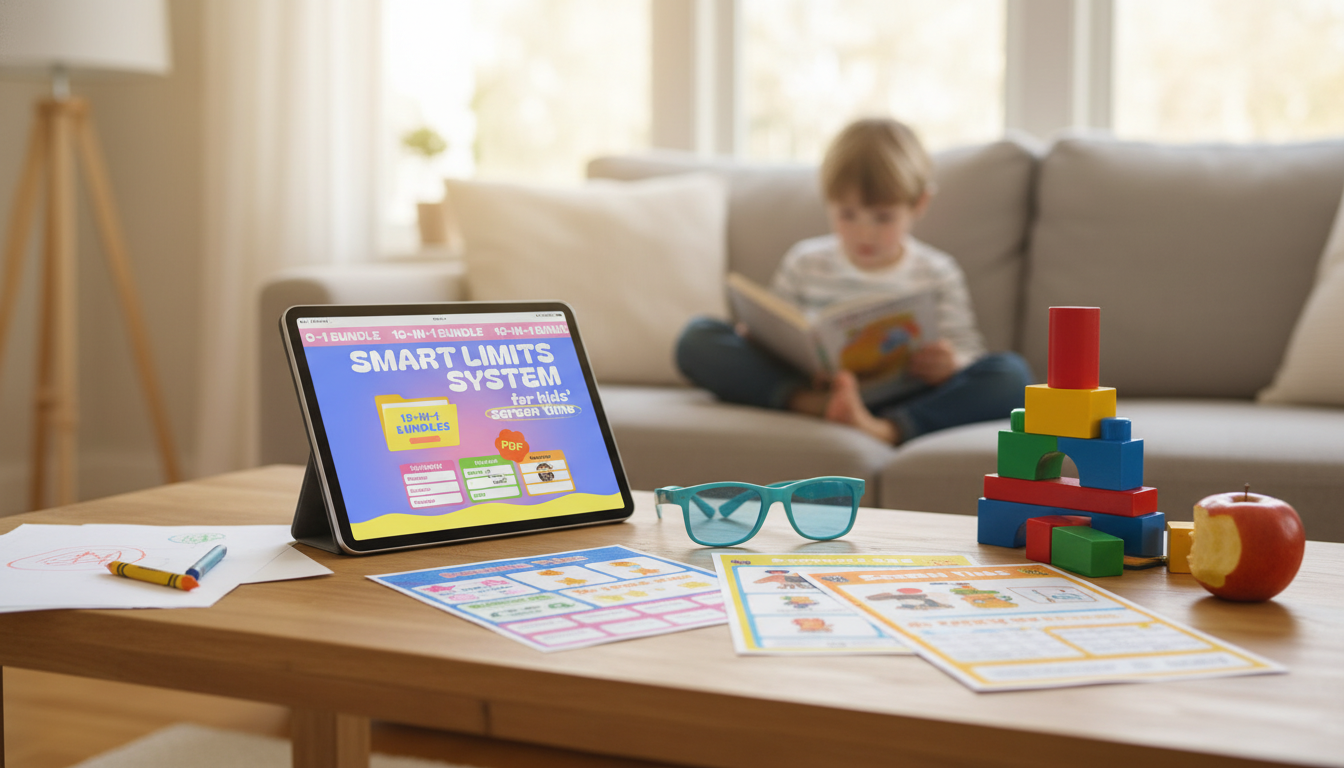
How to limit screen time for free?
Limiting screen time doesn’t require a paid app or a new device. The most effective free approach is setting clear expectations, building predictable routines, and using the controls already built into phones, tablets, TVs, and game consoles.
1) Set simple rules everyone can repeat
Keep the rules short, specific, and visible: when screens are allowed, where they’re allowed, and what happens when time is up. For example: “Screens after homework,” “No devices at the table,” and “All devices charge in the kitchen overnight.” If you want an easy way to make rules feel “official,” use a printable and post it where screens happen most. You can grab a ready-to-use option here: printable screen time rules for kids.
2) Use free built-in timers and parental controls
Most devices already offer no-cost tools such as daily app limits, downtime schedules, and content restrictions. Set a daily cap for entertainment apps, schedule “downtime” during schoolwork, meals, and bedtime, and require a passcode for installing new apps. If your child uses multiple devices, apply the same time window across each one to prevent “device hopping.”
3) Create screen “bookends” for the day
Two free changes often make the biggest difference: a screen-free morning routine (wake up, get ready, breakfast) and a screen-free bedtime routine (bath, reading, lights out). Charging devices outside bedrooms removes late-night temptation without arguing.
4) Swap, don’t just remove
When screen time ends, offer a default alternative: a bin of puzzles, LEGOs, coloring supplies, audiobooks from the library, or a short family walk. A predictable replacement activity reduces meltdowns because kids know what happens next.
5) Be consistent and use calm consequences
If the timer goes off and screens keep going, follow through with a small, immediate consequence (like losing 10–15 minutes tomorrow) rather than a big, vague punishment. Consistency is what makes “free” methods work.
FAQ
How do I enforce screen time rules without constant arguments?
Use a visible timer, give a 5-minute warning, and tie ending screens to a next-step routine (snack, outside time, or reading). Enforce the same consequence every time so the rule feels predictable, not negotiable.











Leave a comment