Printable Screen Time Rules for Kids That Actually Stick
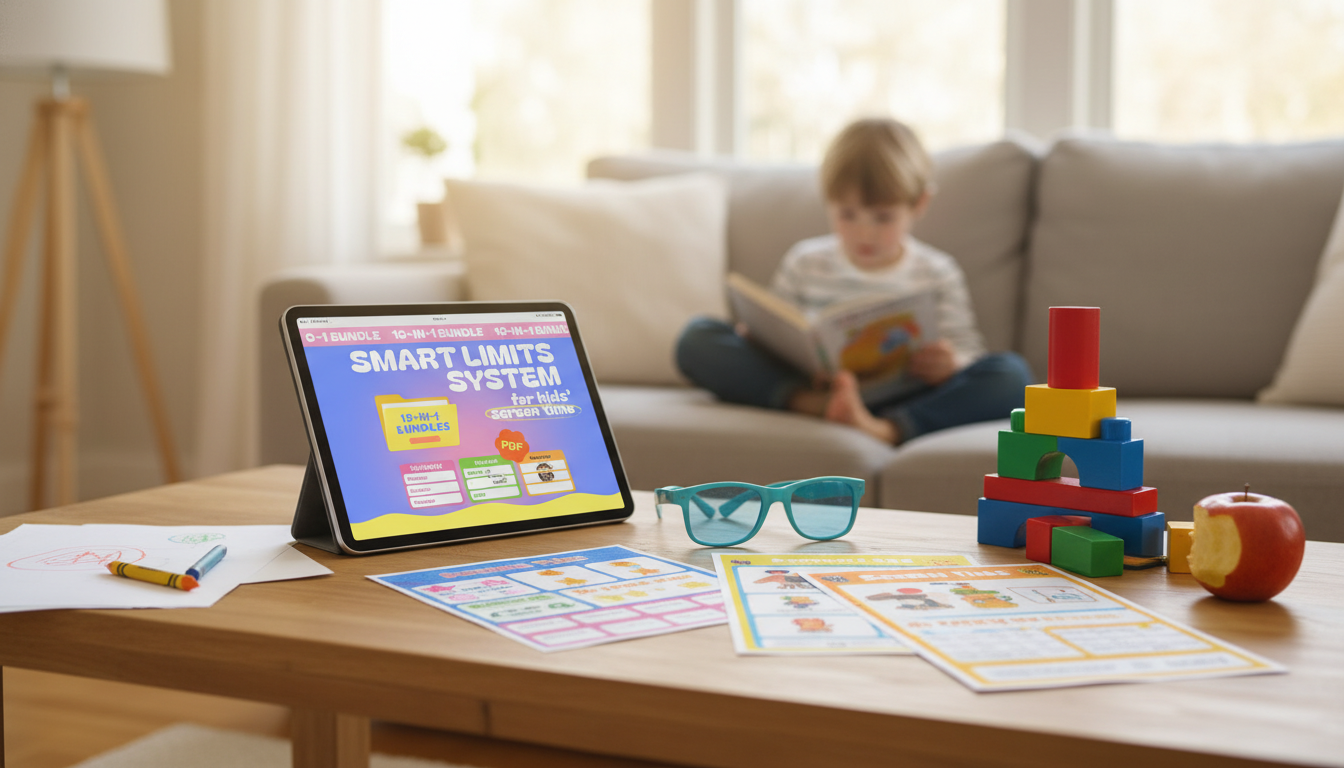
Smart Limits System for Kids’ Screen Time – a calmer way to set boundaries
Screen time can be one of the most exhausting daily negotiations—especially when schedules change, multiple caregivers are involved, or kids are used to “just one more minute.” The Smart Limits System for Kids’ Screen Time – 10-in-1 Digital Download Bundle is a ready-to-use set of printable tools built to make expectations visible, routines predictable, and follow-through easier. Instead of relying on repeated reminders, it helps families connect screen time to priorities like homework, chores, sleep, and respectful behavior. For more guidance, see Commercially Available Mobile Apps With Family Behavioral Goal ….
For families who want guidance from established health organizations, the American Academy of Pediatrics’ Family Media Plan is a helpful reference point for setting household norms, and the CDC’s overview of why sleep matters reinforces why consistent nighttime cutoffs can be so effective. For further reading, see The Best Parental Control Apps of 2026 – Security.org.
What the Smart Limits System Is Designed to Do
- Creates clear, visible rules so expectations stay consistent across caregivers.
- Turns screen-time decisions into a predictable routine instead of an on-the-spot negotiation.
- Supports skill-building (self-regulation, time awareness, responsibility) rather than only restriction.
- Provides ready-made pages that can be printed, posted, and reused.
What’s Included in the 10-in-1 Bundle
- Screen-time rules and agreements that outline when, where, and how devices can be used.
- Daily/weekly tracking sheets to make patterns visible (after school, weekends, vacations).
- Reward and consequence tools that focus on follow-through instead of repeated warnings.
- Routine and schedule pages to connect screen time to priorities like homework, chores, and sleep.
- Family-friendly prompts for conversations about online behavior and digital balance.
Because it’s a digital download, it’s easy to start small, adjust quickly, and reprint whenever your routine changes—without having to redesign a whole system from scratch.
How to Set Up the System in One Evening
- Choose 2–3 non-negotiables first (bedtime cutoff, device-free meals, homework-first).
- Print only the pages needed for the first week to keep the rollout simple.
- Hold a short family meeting: explain goals, review rules, and agree on rewards/consequences.
- Post the plan where decisions happen (kitchen, family command center, near charging area).
- Start with a one-week trial and adjust after reviewing what worked and what didn’t.
A practical tip: decide where devices “live” when they’re not in use. A shared charging spot reduces the daily scavenger hunt and helps enforce a consistent cutoff without drama.
A Simple Weekly Framework (Example)
- Weekdays: screen time happens after priority tasks (homework, reading, chores) are completed.
- Weekends: a larger block is allowed, but planned around outings, sports, and family time.
- A consistent nightly cutoff protects sleep and reduces late-evening scrolling or gaming.
- Earned time can be added through responsibilities rather than argued for.
Sample Screen-Time Plan Using the Bundle’s Tools
| Day | Priority Tasks Before Screens | Base Screen-Time Window | Ways to Earn Bonus Time | Automatic Cutoff |
|---|---|---|---|---|
| Mon–Thu | Homework, dinner, 1 chore | 45–60 minutes | Extra chore, reading, outdoor play | 1 hour before bedtime |
| Friday | Homework check, tidy-up | 60–90 minutes | Family plan participation, chores | 1 hour before bedtime |
| Saturday | Morning routine, family activity | 2–3 hours split into blocks | Sports practice, helping at home | Device-free evening block |
| Sunday | Prep for school, room reset | 1–2 hours | Meal prep help, planning week | Early cutoff to protect sleep |
Making Limits Stick Without Constant Conflict
- Use visual timers and a predictable “5-minute warning” routine to reduce abrupt transitions.
- Tie access to clear behaviors (put device away when asked, respectful tone, completed tasks).
- Keep consequences immediate and proportional (lose minutes today vs. vague long-term bans).
- Avoid bargaining: refer back to the posted plan and apply the same steps each time.
- Model device-free moments (meals, bedtime wind-down) to reinforce the household standard.
If charging and device access becomes a daily friction point, a dependable shared charger can help keep rules consistent in busy spaces (and during travel). The 10W Dual USB Fast Charger Adapter for Smartphones & Travel Use can support a “devices charge in one spot” routine by making it easier to plug in more than one device at a time.
Age-Based Tips for Better Buy-In
- Ages 4–7: keep rules short, use picture-based trackers, and focus on transition routines.
- Ages 8–12: use earned-time systems and responsibility checklists; review weekly together.
- Teens: prioritize agreements, privacy-respecting check-ins, and consequences tied to trust.
- All ages: protect sleep, keep devices out of bedrooms when possible, and use consistent charging locations.
Digital Download Setup: Printing and Practical Use
When to Revisit the Plan (and What to Change)
Helpful Add-Ons for a Smoother Routine
FAQ
How quickly can the system be put into place?
It can be set up the same day: pick a few non-negotiables, print the core pages, hold a 10–15 minute family meeting, and start with a one-week trial. After the week, adjust the rules or rewards based on what actually happened.
Does this work for multiple kids with different ages?
Yes—use shared household rules for everyone, then give each child their own tracker and earned-time/reward page. Posting one family schedule in a common area helps keep expectations consistent while still allowing age-appropriate differences.
What if a child refuses to stop when time is up?
Use consistent countdown warnings, a predictable transition routine, and immediate, proportional consequences (for example, losing minutes that same day). Also consider scheduling screen time later only after responsibilities are completed, so stopping is less disruptive.











Leave a comment